
In today’s digital streaming era, IPTV players have become the backbone of online television experiences. Among them, TiviMate IPTV Player is one of the most popular and reliable choices for IPTV users. Whether you’re looking to stream live TV channels, movies, or catch-up services, TiviMate provides a sleek interface, features, and compatibility with multiple platforms.
In this guide, we’ll cover everything you need to know.
What is TiviMate IPTV Player?
It is an advanced application designed primarily for Android-based devices, including Android TV and Firestick. It acts as a player where you can load IPTV playlists (usually in M3U format or through Xtream Codes). It allows you to watch live TV channels, movies, and on-demand content.
Unlike other providers, It does not supply channels itself; instead, it serves as a powerful IPTV interface that works with compatible IPTV subscriptions.
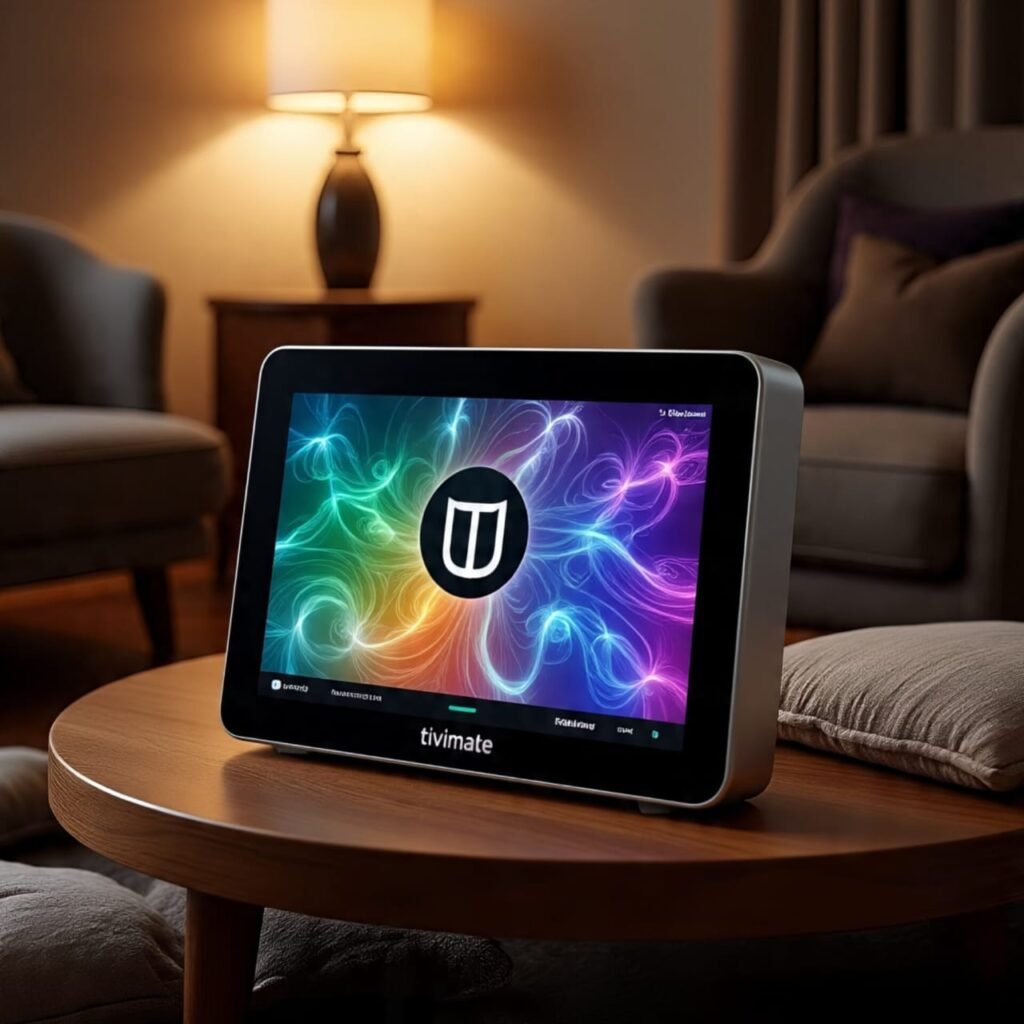
Key Features of TiviMate IPTV Player
- User-Friendly Interface – Clean and modern design optimized for TV screens.
- Multiple Playlist Support – Load different IPTV playlists for a wide range of channels.
- EPG (Electronic Program Guide) – Get a full TV guide experience with schedules and program information.
- Catch-Up TV – Access past programs offered by your IPTV provider.
- Parental Controls – Restrict content for family-friendly use.
- Multi-Screen Support – Watch multiple channels at once (in premium).
- Cloud Sync – Save and sync your playlists across devices.
TiviMate IPTV Player Free vs Premium
While the free version offers basic functionality while Premium unlocks additional features:
- Multiple playlists support
- Catch-up TV
- Advanced EPG options
- Customizable appearance and settings
- Multi-screen mode for watching more than one channel simultaneously
If you’re a regular IPTV user, upgrading to TiviMate Premium makes the experience smoother and more feature-rich.
Supported Devices and Platforms
- TiviMate IPTV Player for Windows / PC / Mac – While TiviMate does not have an official PC or Mac version, you can use Android emulators (like BlueStacks or Nox Player) to run it. Search for “TiviMate IPTV Player Windows” or “TiviMate IPTV Player Mac download” guides to set it up.
- TiviMate IPTV Player for iOS / iPhone / iPad – Currently, TiviMate is not available on iOS. Users looking for TiviMate IPTV Player for iPhone or iPad need to consider alternatives such as GSE Smart IPTV or IPTV Smarters Pro.
- TiviMate IPTV Player Apple TV – TiviMate does not have native Apple TV support.
- TiviMate IPTV Player for LG Smart TV / Samsung Smart TV – Not available as a native app, but you can sideload using Android TV boxes or Firestick.
- TiviMate IPTV Player for Windows 11 – Works via Android subsystem or emulator.
How to Use TiviMate IPTV Player
- Download and Install – Get the app from the Google Play Store (for Android TV/Firestick).
- Add Your IPTV Playlist – You’ll need an M3U playlist URL or Xtream Codes API from your IPTV provider.
- Login to Your Account – If you have Premium, log in with your credentials.
- Set Up EPG – Load the EPG (TV Guide) for a better channel experience.
- Customize Settings – Adjust subtitles, full-screen mode, and channel layout as per your preference.
IPTV Services Compatible with TiviMate
TiviMate itself doesn’t provide channels. You need to connect it with a working IPTV service. Many providers supply M3U playlists and Xtream Codes, both of which are compatible with Player.
Best Alternatives to TiviMate IPTV Player
If you’re using iOS devices, Apple TV, or Smart TVs that don’t support TiviMate, here are some alternatives:
- IPTV Smarters Pro
- GSE Smart IPTV
- Perfect Player IPTV
- XCIPTV Player
Conclusion
TiviMate IPTV Player has established itself as one of the best IPTV players for Android TV and Firestick users. With features like multiple playlists, EPG support, catch-up TV, and premium customization, it offers a perfect IPTV viewing experience.